

Medicus Test Clinic
TEST 1: Try changing the language selection There are 25 options in total, so everyone can understand your message. You will find the language selector in the top right corner of the page.
TEST 2: This field has been highlighted with a single command; use it if something is important, the text is bolder, and it is highlighted with a border.
TEST 3: Design: as a user, everything can be changed, not just text, but also design, images, and logo can be replaced, along with fonts and a countless number of colors - on the background and existing buttons
TEST 4: Links: there are fixed links and variable links. Among the fixed ones: the background image and what we call the logo image can each have their own link. Address to Google Maps. Communication links to
TEST 5: Photo animations: You can choose between four options: black/white to color, soft zoom, fade in, or no animation. Your choice is saved on the card and applied to the background image, profile photo, and team photos.
TEST 6: Magnification: Images can be hard to see, especially on a mobile phone. That is why Medicus has a small magnifying glass under each photo and on the background image – tap it, and the image is displayed large.
TEST 7: 3D Search: A selection follows you all the way. If you click on a language or specialty, the selection is maintained from the initial search, through the results list, into the clinic, and down to the individual doctor — so you only meet the team matching your selection. Try it: click on a language or specialty and watch the results update step by step.
TEST 8: Direct contact: The patient can get in direct contact with the right person – reception, department, secretary, via email or WhatsApp. One tap, and you are connected. (Demo: numbers and email are fictitious.)
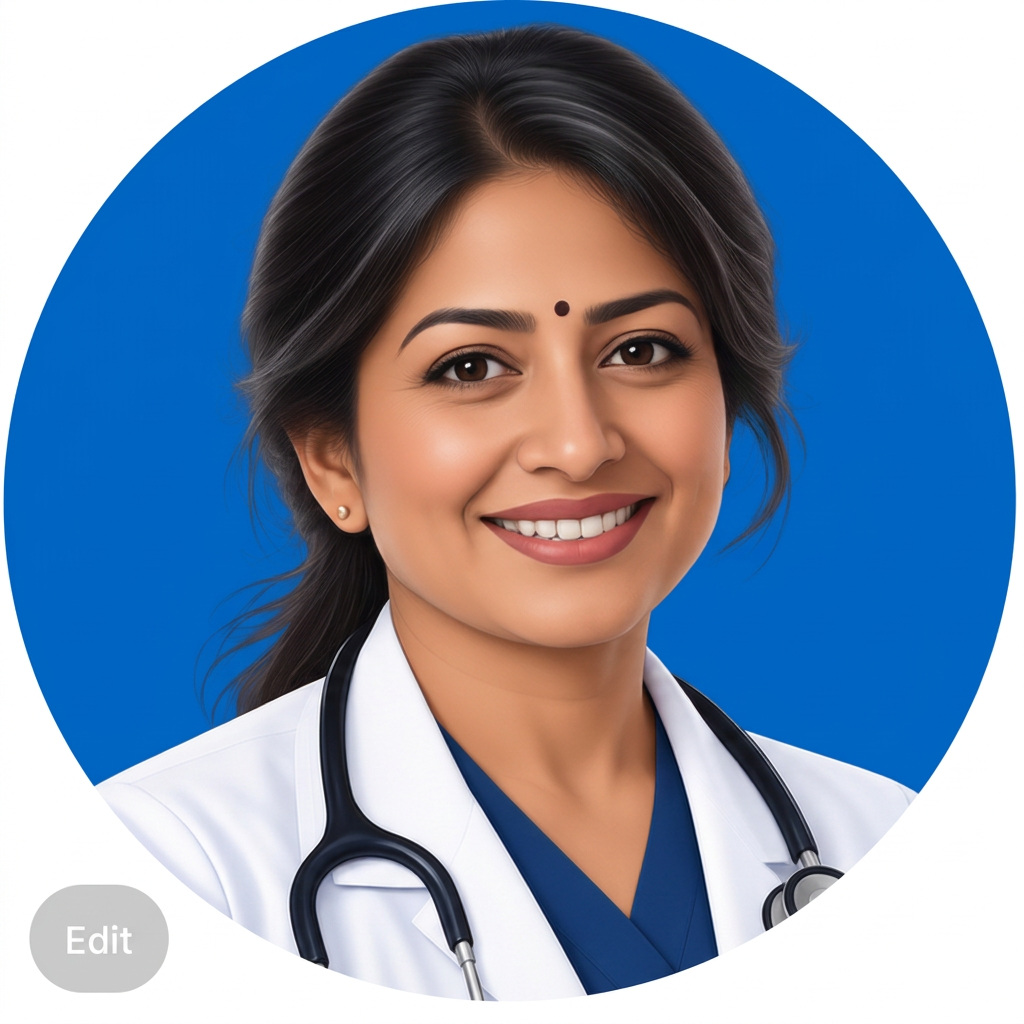
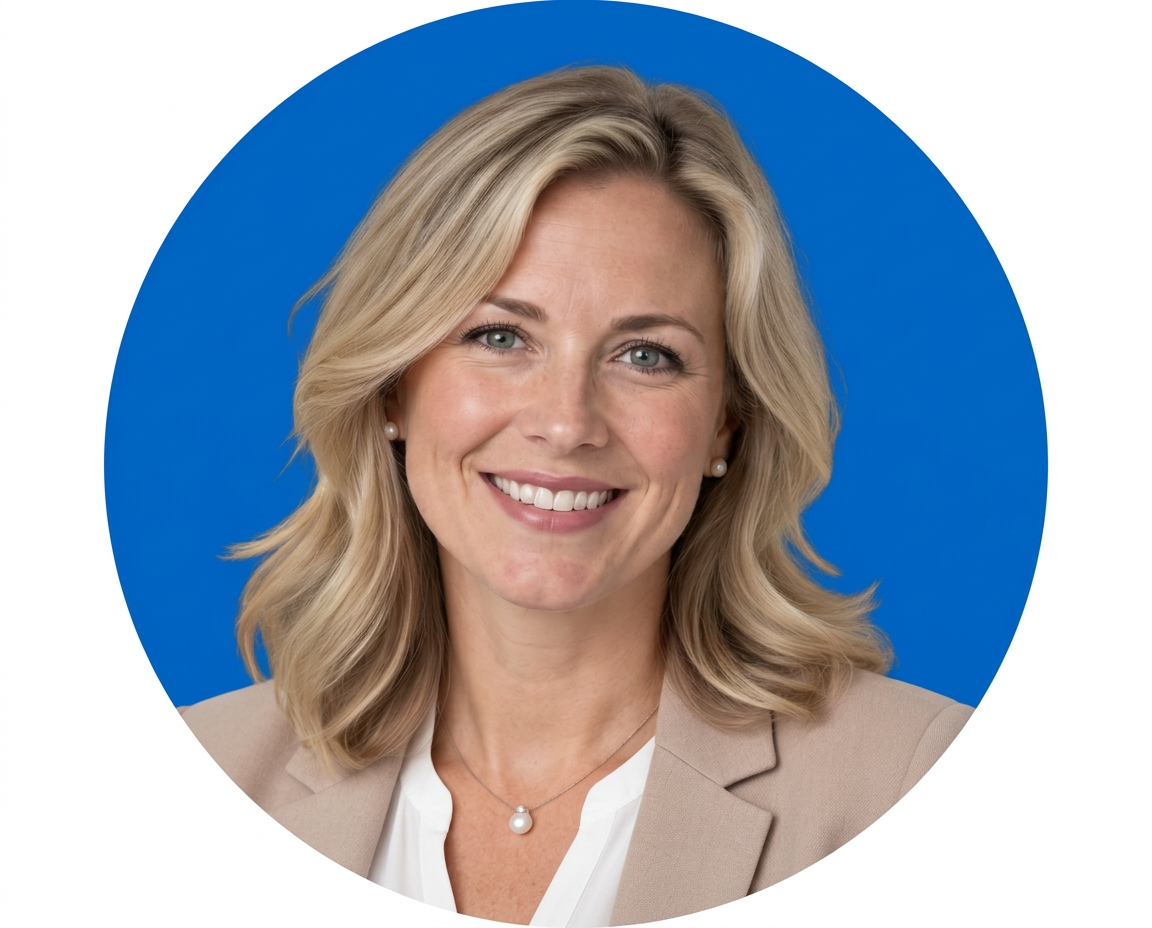
Meet the team (with 19 people from 15 nations and 7 different specialties)

















modal_disclaimer